운영체제 11

우분투 리눅스 시스템 관리 소프트웨어

우분투 데스크탑 (Ubuntu Desktop)Ubuntu 26.04 LTSThe latest LTS version of Ubuntu, for desktop PCs and laptops.LTS stands for long-term supportwhich means five years of free security and maintenance updates,extended up to 15 years with Ubuntu Pro.What's newGNOME 50 with optimized fractional scaling factorsNew apps for the document viewer, image viewer, terminal emulator, and video playerLinux Kernel 7.0..
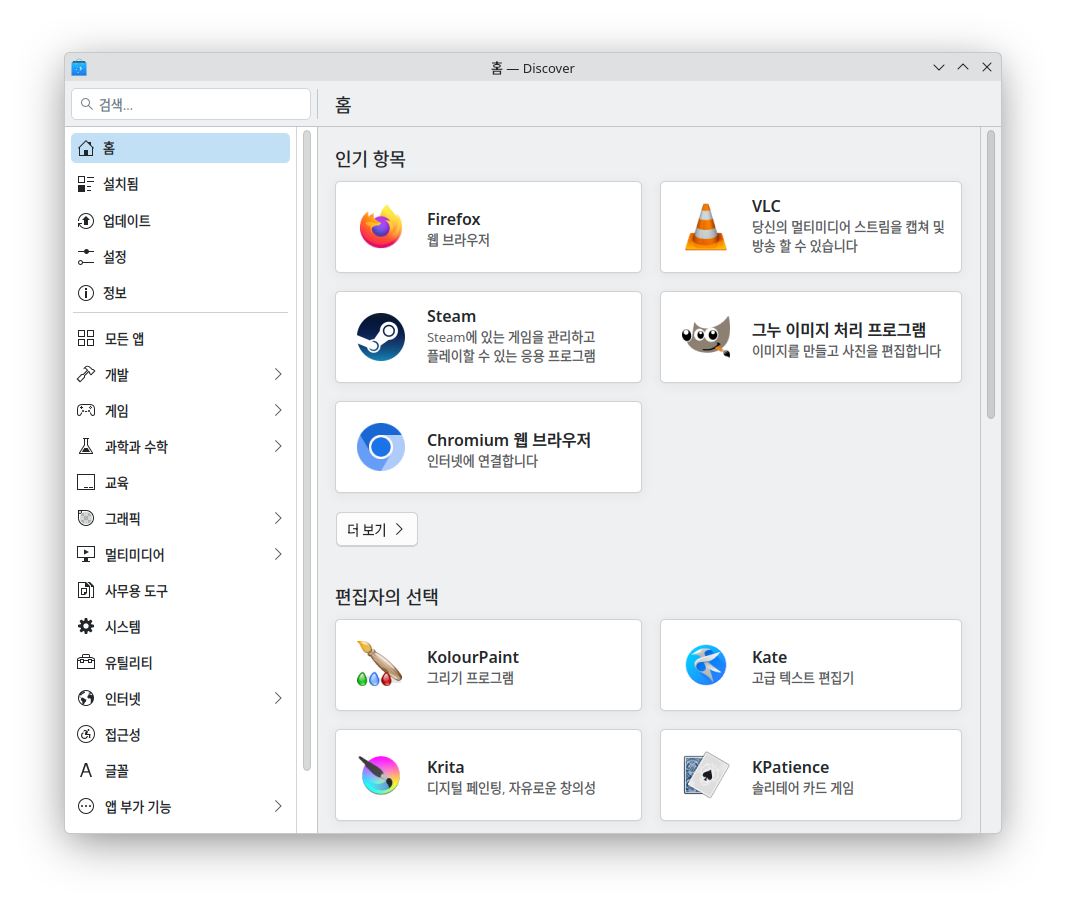
우분투 리눅스 추천 소프트웨어

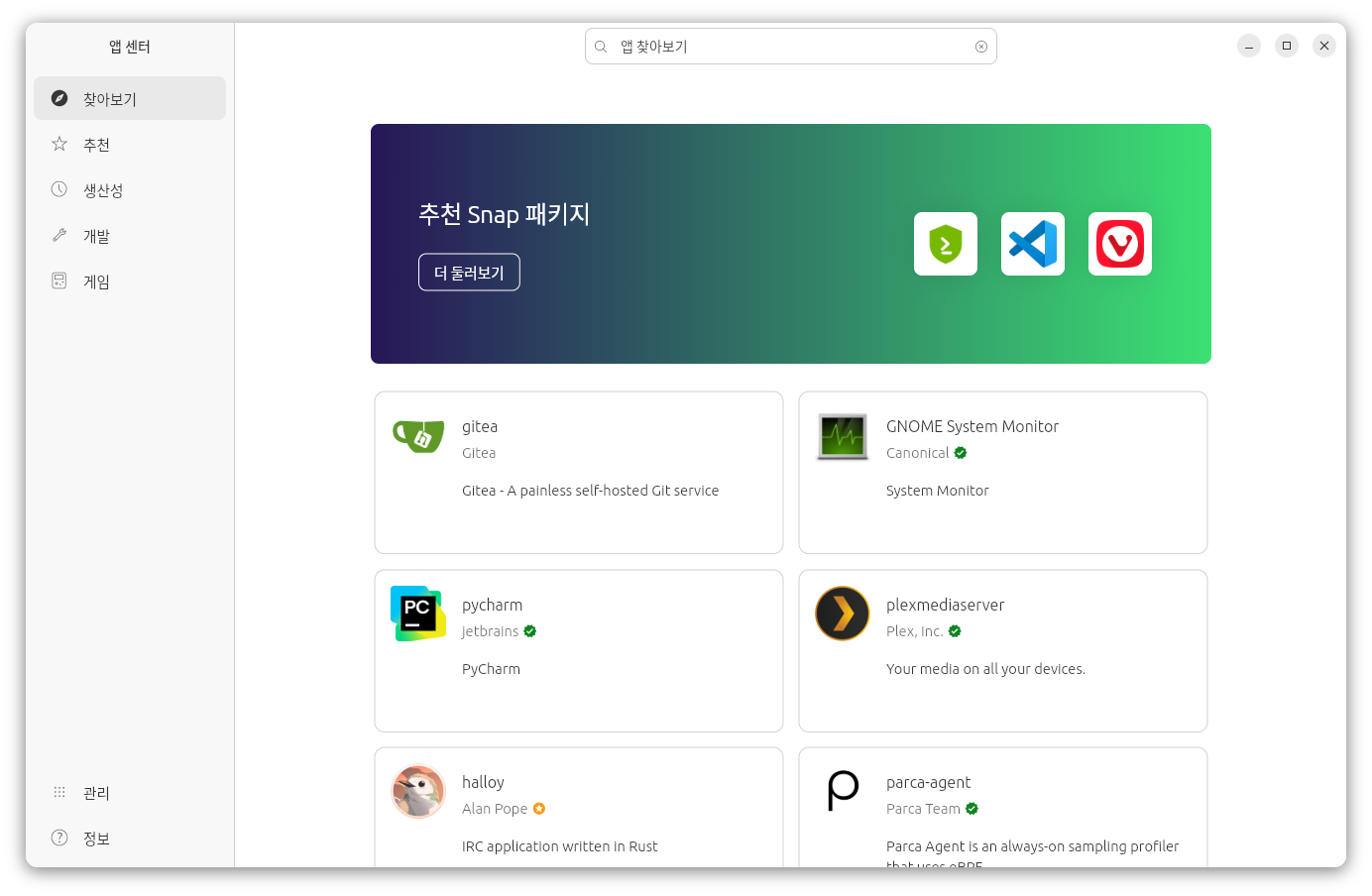
우분투 데스크탑 (Ubuntu Desktop)Ubuntu 26.04 LTSThe latest LTS version of Ubuntu, for desktop PCs and laptops.LTS stands for long-term supportwhich means five years of free security and maintenance updates,extended up to 15 years with Ubuntu Pro.What's newGNOME 50 with optimized fractional scaling factorsNew apps for the document viewer, image viewer, terminal emulator, and video playerLinux Kernel 7.0..

우분투 리눅스 문서편집 소프트웨어

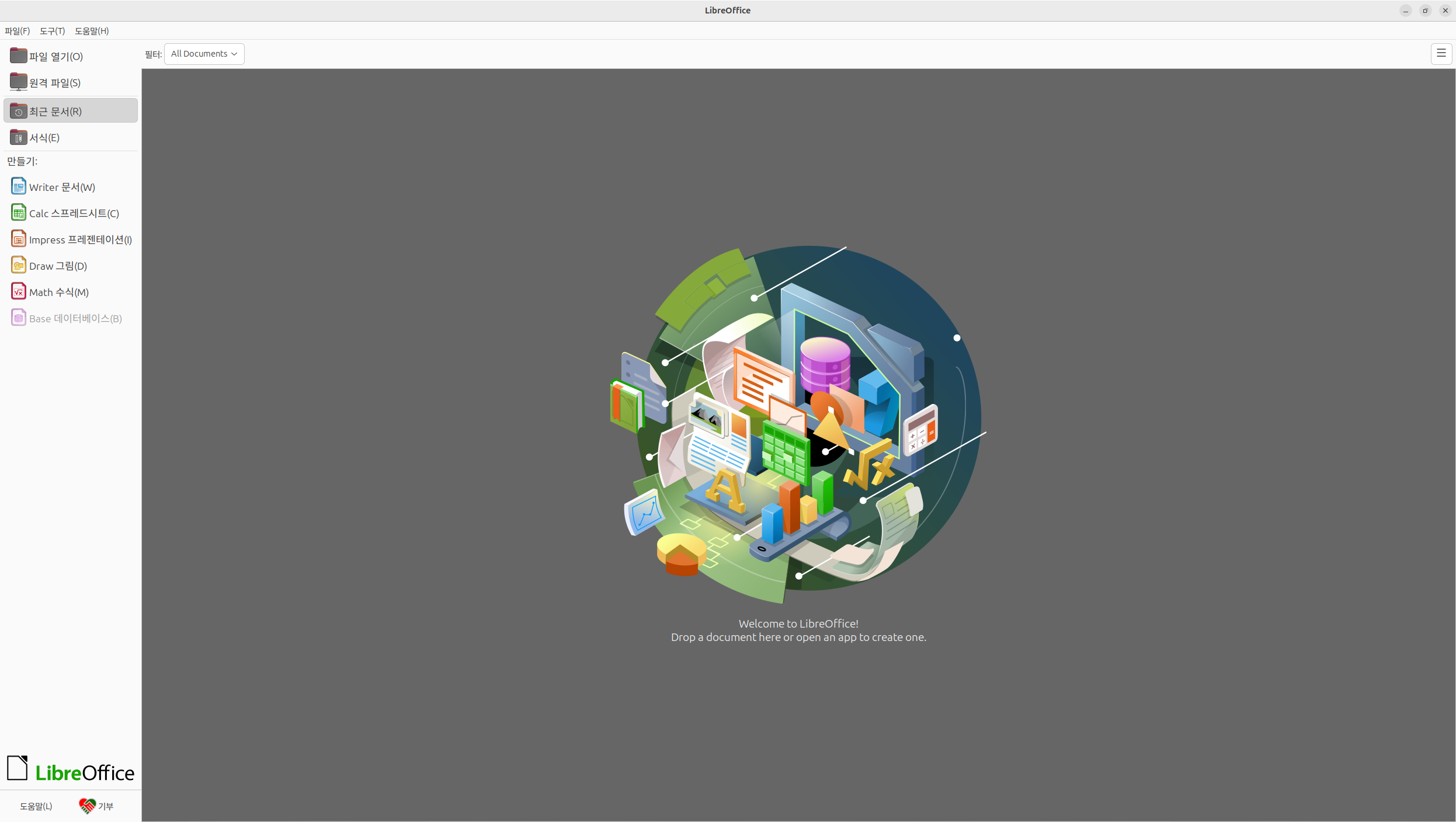
우분투 데스크탑 (Ubuntu Desktop)Ubuntu 26.04 LTSThe latest LTS version of Ubuntu, for desktop PCs and laptops.LTS stands for long-term supportwhich means five years of free security and maintenance updates,extended up to 15 years with Ubuntu Pro.What's newGNOME 50 with optimized fractional scaling factorsNew apps for the document viewer, image viewer, terminal emulator, and video playerLinux Kernel 7.0..
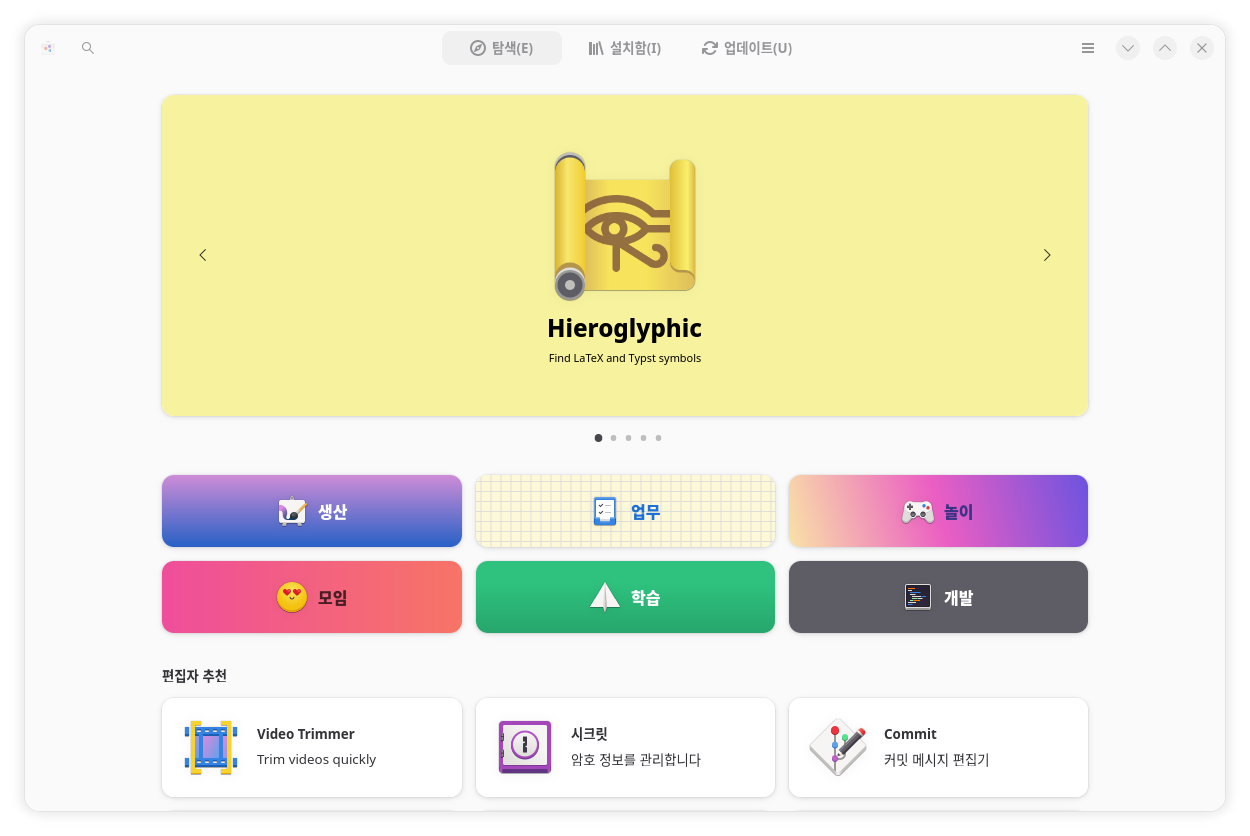
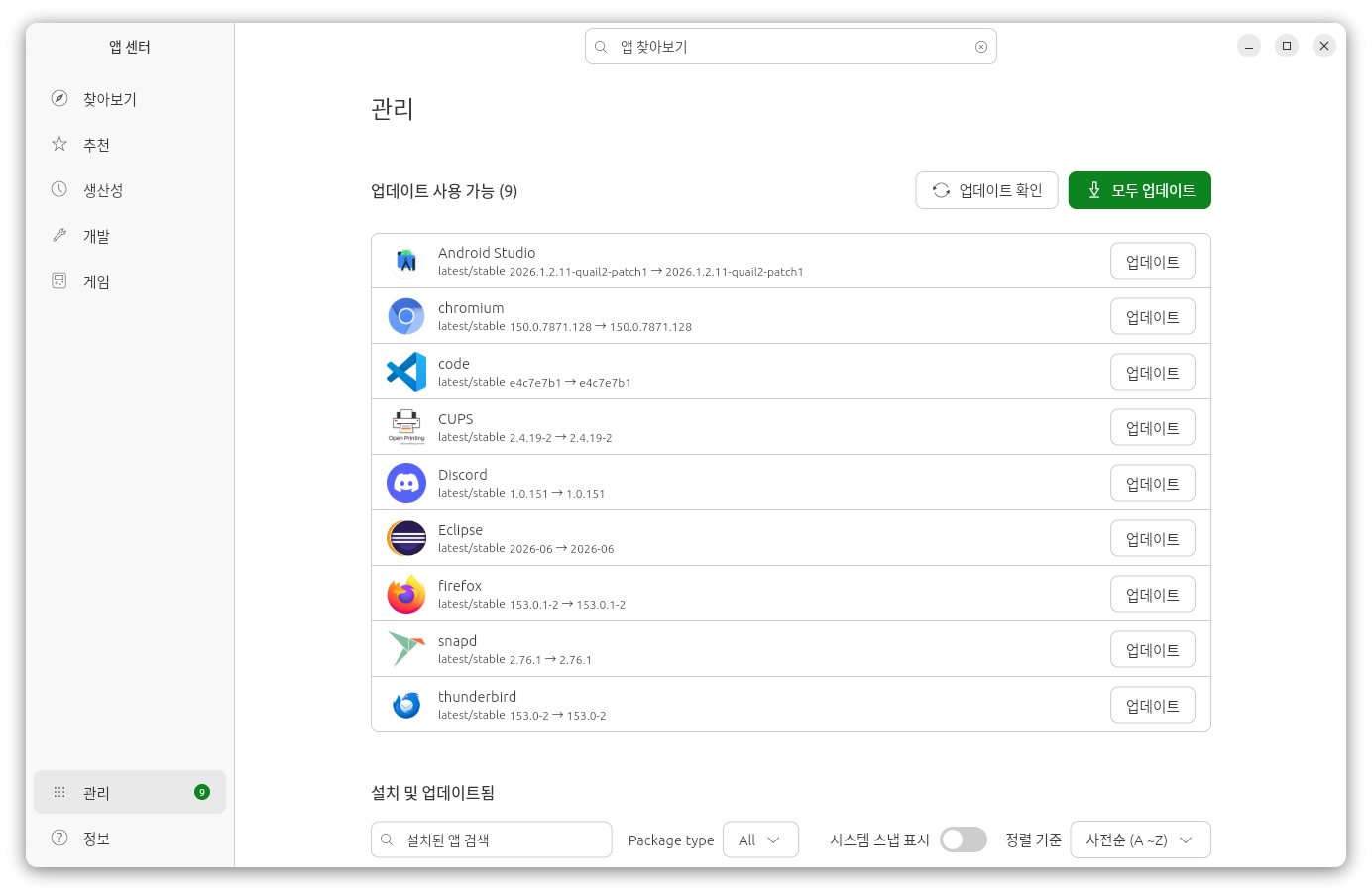
우분투 리눅스 소프트웨어 업데이트

우분투 데스크탑 (Ubuntu Desktop)Ubuntu 26.04 LTSThe latest LTS version of Ubuntu, for desktop PCs and laptops.LTS stands for long-term supportwhich means five years of free security and maintenance updates, extended up to 15 years with Ubuntu Pro.What's newGNOME 50 with optimized fractional scaling factorsNew apps for the document viewer, image viewer, terminal emulator, and video playerLinux Kernel 7...

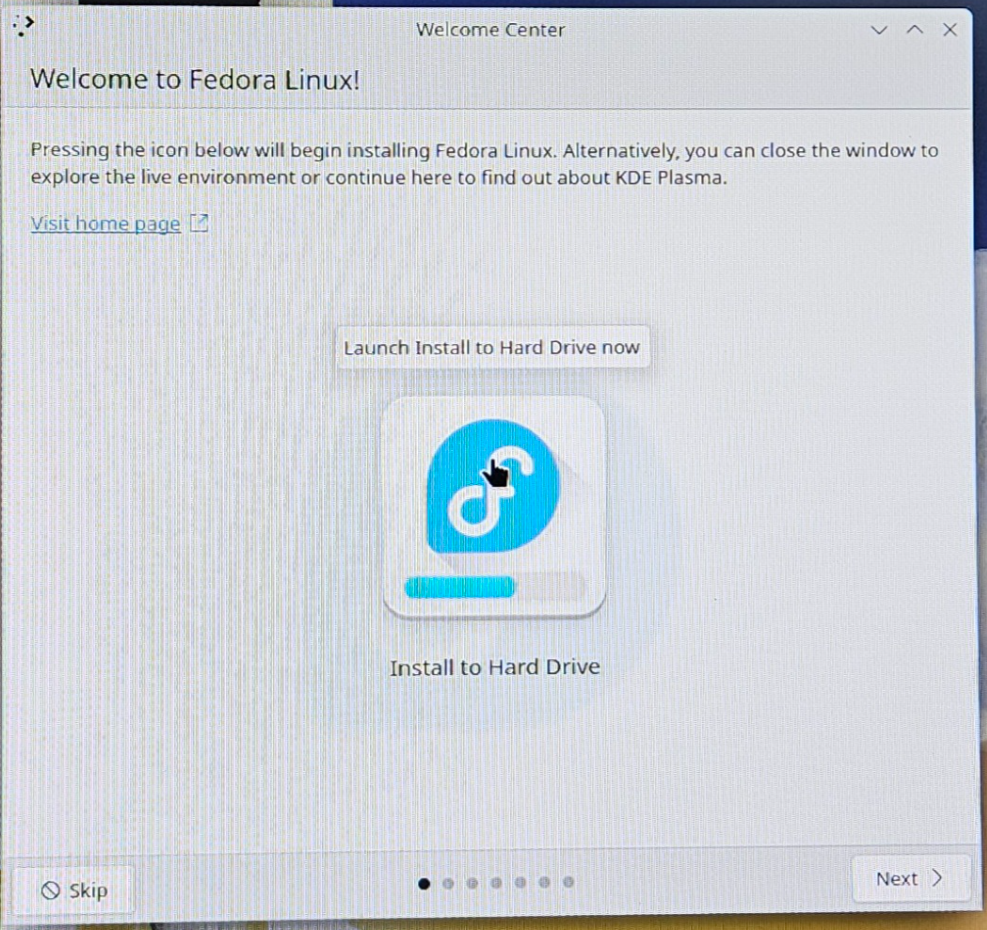
페도라 리눅스 43 설치방법

페도라 리눅스 43(Fedora Linux 43)1. 페도라 리눅스 43 ISO 파일이 담긴 USB 장치로 부팅하면 설치화면이 표시된다.1.1 Start Fedora-KDE-Desktop-Live: 페도라 리눅스 설치 진행1.2 Test this media & start Fedora-KDE-Desktop-Live1.3 Troubleshooting2. Welcome to Fedora Linux!2.1 Launch Install to Hard Drive now: Install to Hard Drive 아이콘 클릭3. Fedora Linux 43 (KDE Plasma Desktop Edition) 설치3.1 환영합니다3.1.1 언어: 한국어(대한민국)3.1.2 키보드: 영어(미국)3.2 날짜와 시간3.2.1 ..

우분투 리눅스 26.04 LTS 설치방법

우분투 리눅스 26.04 LTS(Ubuntu Linux 26.04 LTS)1. 우분투 리눅스 ISO 파일이 담긴 USB 장치로 부팅하면 설치화면이 표시된다.1.1 Try or Install Ubuntu: 우분투 리눅스 설치화면으로 이동1.2 ubuntu (safe graphics)1.3 Boot from next volume1.4. UEFI Firmware Settings: 바이오스(BIOS) 설정화면으로 이동2. Choose your language:2.1 English2.2 한국어2.2 Ubuntu의 접근성설치 전에 Ubuntu를 원하는 대로 사용자화 할 수 있습니다.설치 후에도 시스템 설정에서 변경할 수 있습니다.2.3 키보드 레이아웃2.3.1 키보드 레이아웃: 한국어2.3.2 키보드 유형: 한국어..